
How to Search Osceola County Traffic Court Records
Traffic cases run through the Clerk's Benchmark case search. The same tool that holds civil and criminal cases also holds traffic files. It offers a Name search, a Case Number search, and a Citation Number search. For a ticket, the citation number is the best path. It points straight to one case with no guesswork.
Start with what you have. The ticket lists a citation number. Use it. If you lack the ticket, a name search still works, but common names bring back many hits. The portal is free to view. Certified copies cost a fee from the Clerk.
- Open the Benchmark search page.
- Pick Citation Number, Case Number, or Name.
- Type the value. Use Last, First for a name.
- Filter by a traffic case type if the option shows.
- Open the case to read the docket and the result.
- Order a certified copy through the Clerk when you need one for court.
Florida ties citation records to a state reporting rule. The traffic citation statute is shown below.
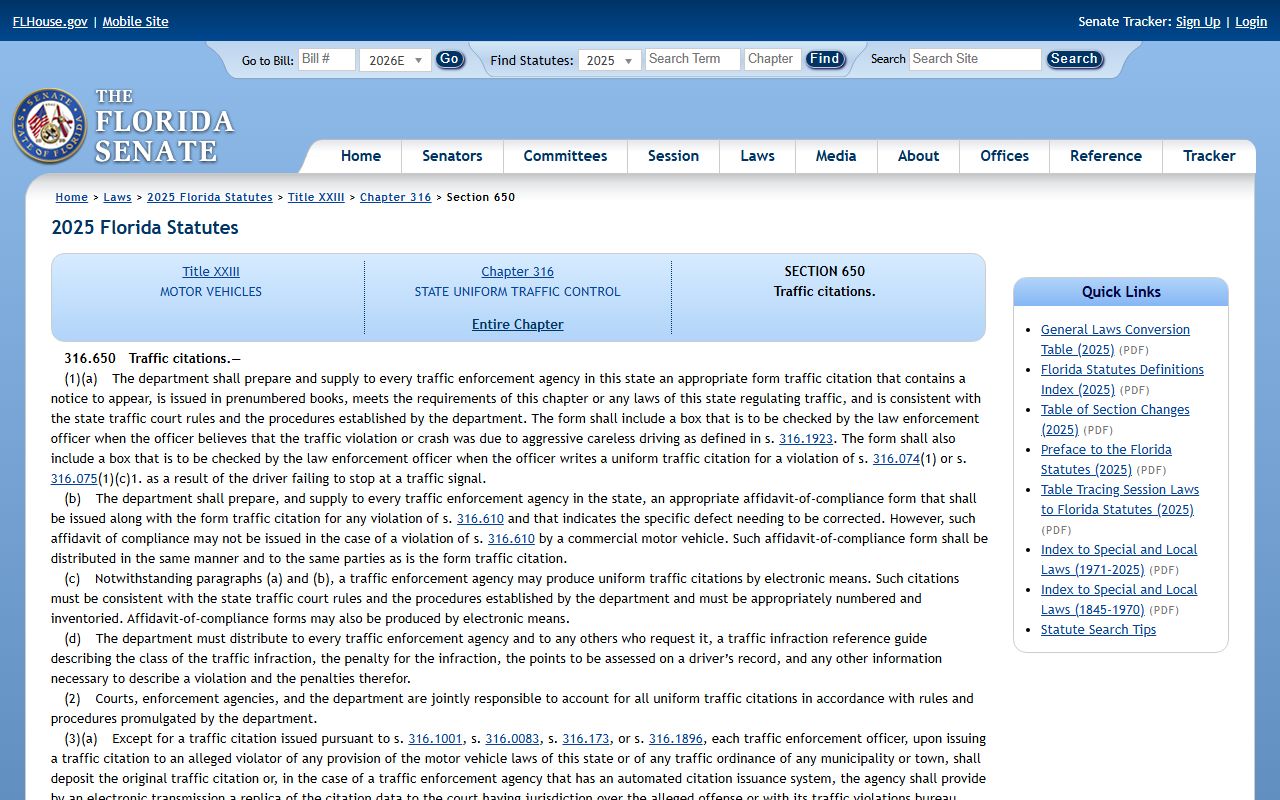
The citation records statute sets how citations and their dispositions are kept and reported.
Which Courts Handle Traffic Cases in Osceola County
Florida splits traffic by the kind of offense. Ordinary traffic infractions, the civil tickets most drivers get, go through county court. These are non-criminal matters such as speeding or a faulty signal. The county court level handles the bulk of traffic volume in Osceola County.
Serious driving offenses take a different path. A charge like DUI is criminal, not a civil infraction. Those cases route to the criminal side and show up among criminal records. Driving without a valid license can also appear as a criminal traffic statute in arrest entries. The Clerk keeps both kinds in Benchmark, but the case type and the consequences differ. One leaves a civil traffic record. The other leaves a criminal record. For the full court structure across the county, see the court records page.
Types of Traffic Cases on Record
Traffic is not one thing. The records cover a range of cases, from a minor ticket to a criminal charge tied to driving. The Clerk's case-type list even includes a Traffic Infraction Appeal category. Below are the main groups you may find in a search.
- Civil traffic infractions, such as speeding, running a light, or a seat-belt ticket.
- Criminal traffic, including DUI and driving with a suspended or revoked license.
- Citations that lead to a court hearing when contested.
- Traffic infraction appeals, a separate Benchmark case type.
- Crash-related citations issued at the scene of a wreck.
The line between civil and criminal matters. A civil infraction is paid or contested. A criminal traffic charge can mean jail, probation, or a longer record. Always check the case type before you assume what a ticket means.
What Osceola County Traffic Court Records Show
A traffic court record tells the case story from the citation to the result. It names the driver, lists the charge and statute, and marks each court date. The docket logs every event in order. Some pages may be viewable online, while others show a restriction notice. The table maps the common fields you will see in a traffic file.
| Field | What It Shows |
|---|---|
| Citation Number | The number printed on the ticket |
| Case Number | Year, the TR traffic code, and a six-digit sequence |
| Charge / Statute | The traffic statute cited and the offense |
| Court Date | Hearing date and time when set |
| Disposition | The final outcome, such as paid, dismissed, or guilty |
| Financial | Fines, fees, and court costs tied to the case |
| Docket Entries | Filings, notices, orders, and hearings in date order |
Redactions protect things like a driver's protected identifiers. The record shows the court case, not the full driver history.
Note: A traffic court record reflects the case in court. It does not show every point or suspension on a license. That data lives with the state, covered further below.
Searching by Citation Number vs by Name
Both paths can find a traffic case, but they work in different ways. A citation number is unique to one ticket. It lands on a single case with no clutter. A name search casts a wider net and can return many people who share that name. Use the citation number first when you have the ticket in hand.
The case number also works once you know it. Traffic case numbers carry the TR code, as in the Benchmark example 2004 TR 000123. The table below lays out the citation lookup field so you can fill it in right the first time.
| Field | Type | Required | Notes |
|---|---|---|---|
| Citation Number | Radio + text | One mode required | Enter the number from the ticket. Best for one case. |
| Case Number | Radio + text | One mode required | Year, TR code, six digits. Example 2004 TR 000123. |
| Name | Radio + text | One mode required | Use Last, First. May return many matches. |
| Case Type | Multi-select | Optional | Includes a Traffic Infraction Appeal category. |
When two drivers share a name, the citation or case number removes all doubt.
Paying or Contesting an Osceola County Traffic Ticket
A ticket gives you choices. You can pay it, or you can contest it in court. Each path has a deadline, and missing it can bring extra penalties. Read the citation closely before you act. The steps below show the basic flow.
- Use the citation number in Benchmark or the Clerk's traffic payment tools to find the case.
- Review the citation, the due date, and your options.
- Pay the ticket if you choose to resolve it without a contest, where that is allowed.
- Elect a hearing or contest by the deadline if you wish to dispute the ticket.
- Check whether a driver-improvement course is offered and whether you qualify.
- If you hold a CDL, confirm the special rules before you pick any option.
- Know that failure to pay or appear can bring penalties, license consequences, and in some cases a capias.
If you are unsure which path fits your case, the Clerk can explain the process and the cost. Staff cannot give legal advice. For deeper questions, see the FAQ page.
Public Access Laws for Traffic Court Records
Florida starts from open access. Article I, Section 24 of the state constitution grants the right to inspect public records. Fla. Stat. § 119.01 declares that public records are open for inspection and copying. Fla. Stat. § 119.07 requires the custodian to allow that access. Court records also follow Rule 2.420 of the judicial branch, and the Clerk is the custodian for Osceola County.
Public means you can inspect and copy a record. It does not mean every image sits online. Anyone can request a traffic file. Certified copies carry a fee, and some protected details are redacted under the law.
Court Traffic Records vs State Driver Records
These are two different records kept by two different offices. The court traffic record is the case file at the Clerk. The state driver record is the license history kept by the FLHSMV. People often mix them up. The table breaks down each one so you know where to look.
| Item | Court Traffic Record | State Driver Record |
|---|---|---|
| Record source | Osceola Clerk / court | FLHSMV |
| What's in it | Citation, charge, court date, disposition, fines, and the case docket | License status, convictions, and points or suspensions, by record product |
| Where to access | Benchmark citation or case search at the Clerk | FLHSMV driver services and status tools |
| How to correct errors | Address it through the court case or the Clerk | Work with FLHSMV through its driver record process |
To check a license status, use the state tool shown below.
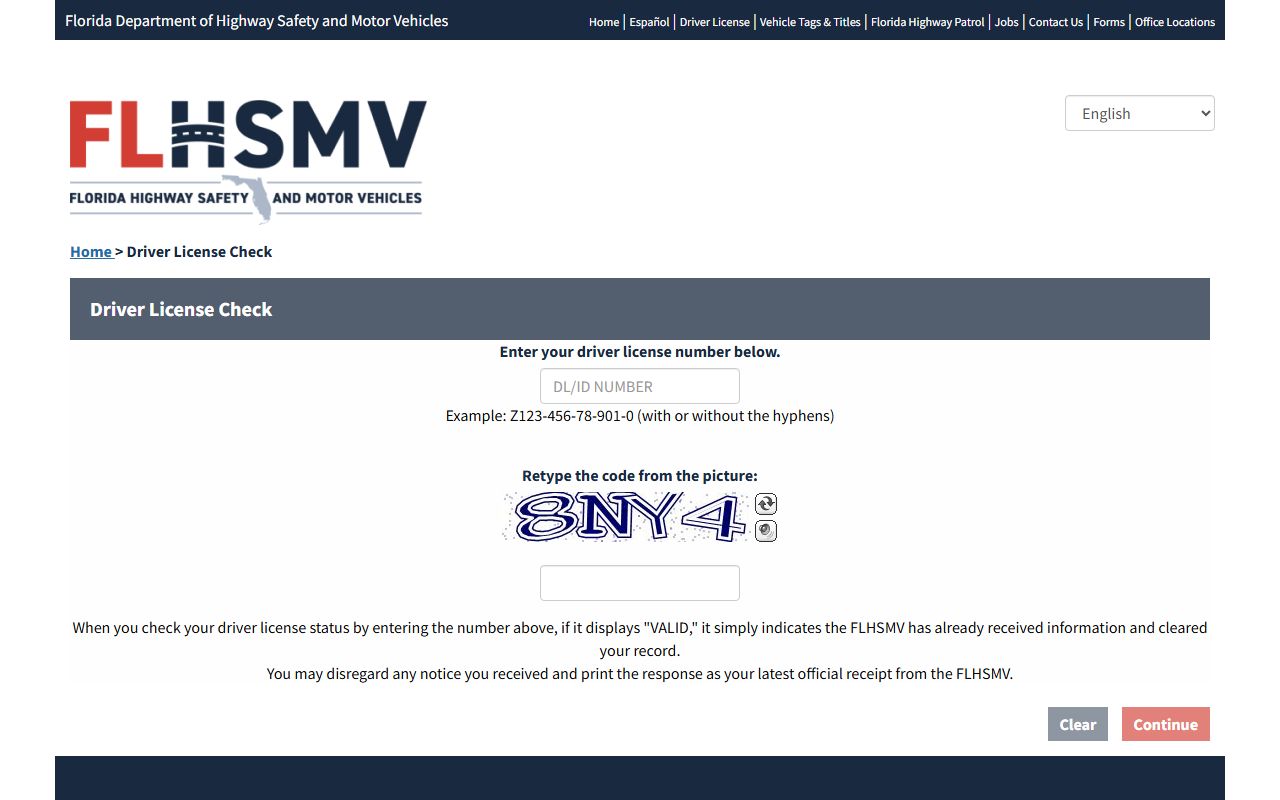
The state driver license check shows current status. For a wreck, the state also posts crash reports, shown below.
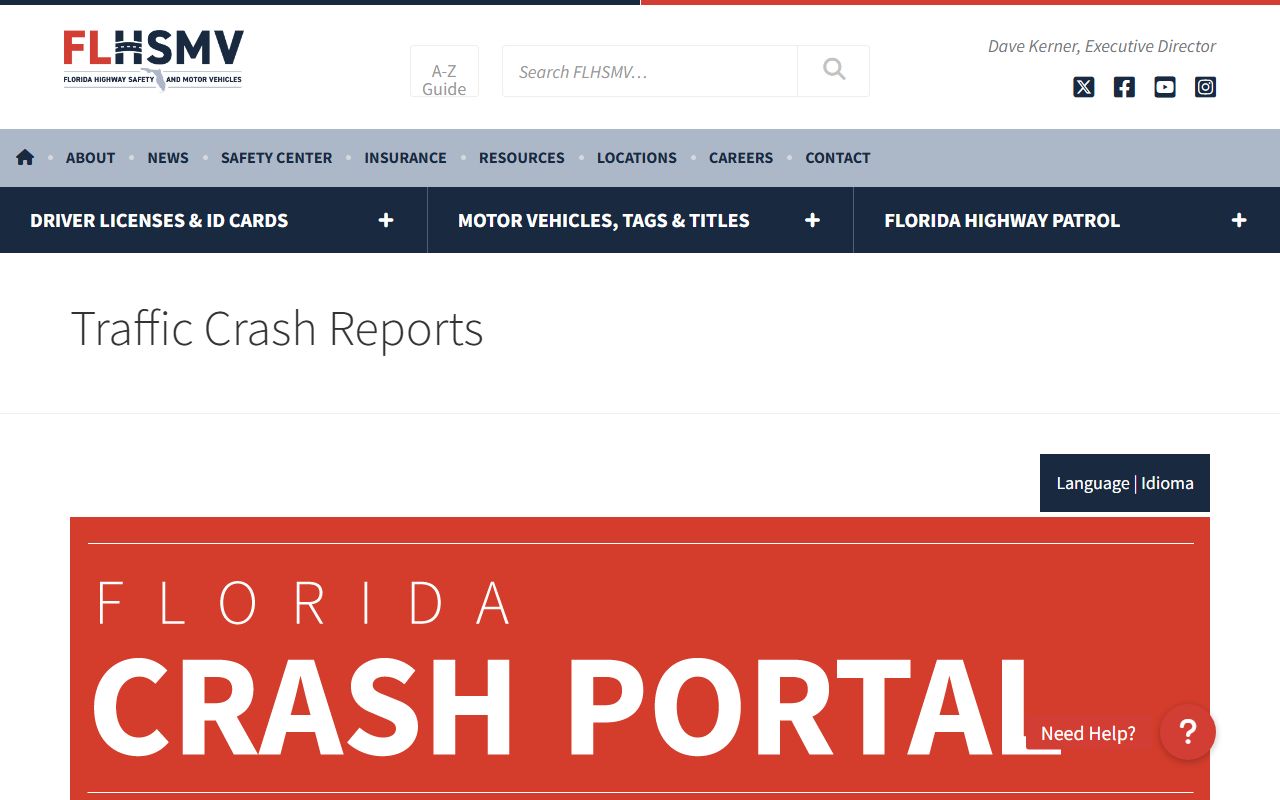
A crash report is not the same as the court case. The report comes from the state. The case lives at the Clerk.
CDL and Commercial Driver Records
Commercial drivers face stricter rules. A CDL holder can lose more from a ticket than a regular driver does. Some options that help a standard license, such as a course to mask points, may not apply the same way to a CDL. The stakes are higher because the license is tied to a livelihood.
If you hold a CDL, confirm the special restrictions before you elect any option on a ticket. A choice that seems simple can carry hidden consequences for a commercial license. The court traffic record still lives at the Clerk, but the effect on the commercial driving record is governed by the state. When in doubt, check with the state and consider legal counsel before you act.
DUI / DWI Cases
DUI is not an ordinary traffic infraction. It is a criminal charge. The case routes to the criminal side, not the civil traffic track. That means a different process, a different record, and far more serious consequences. A DUI case can bring jail, probation, and a long mark on a record. For the search path and the details, see the criminal records page.
Deferred Adjudication and Defensive Driving Course
Some drivers can take a defensive driving course, often called traffic school. The course may affect how points hit a driving record. Eligibility is not automatic, and the rules depend on the ticket and the driver's history. Check the option on the citation and confirm you qualify before you elect it.
The court traffic record still shows the case and how it was resolved. The course mainly affects the state driving record and the points tied to it. A CDL holder should not assume the same option applies. The court case and the driving record are kept apart, so a course that helps one may not change the other. Always confirm the current rules with the Clerk and the state before you pick a path, since these choices are time-limited.
Sealing or Expunging Traffic Records
Florida lets some records be sealed or expunged, but the path is narrow. The general sealing statute is Fla. Stat. § 943.059, and expunction follows Fla. Stat. § 943.0585. These rules center on criminal-history records. Most paths begin with an eligibility review through FDLE, then a petition filed in the Ninth Circuit.
Sealing hides a record from public view but keeps it for certain agencies. Expunction goes further toward removal. Civil traffic infractions and criminal traffic cases are treated differently under these rules. Prior sealing, certain offense types, and pending cases can block a petition. Because the steps and forms change, use a local attorney or Florida self-help resources for the current process. The Clerk of Court can point you to where a petition is filed.
Fees for Traffic Record Copies
The Clerk charges set fees for copies and certifications. Florida fixes many of these under Fla. Stat. § 28.24. A plain copy and a certified copy are not the same, and the certified version always costs more. Exact totals can change, so check the current Clerk fee page before you pay. The table groups the common charges by category.
| Item | Source |
|---|---|
| Plain copies | Clerk fee schedule under § 28.24 |
| Certified copies | Clerk certification fee on top of the copy charge |
| Traffic fines and costs | Set by the citation and statute, plus court costs |
| Driver record products | Obtained from FLHSMV, not the Clerk |
The court copy fees come from the Clerk. A state driver record carries its own separate cost through FLHSMV.