
How to Use the Osceola County Jail Roster
The Osceola County jail roster runs through the county Corrections Department, not just the Sheriff. You reach it on the county apps site. The tool lists people held in the Osceola County Jail. It updates several times a day. You can search by name or by inmate ID. A blank search returns the full current list. On May 19, 2026 the roster showed 882 results.
Searching is quick. The steps below walk through one lookup from start to finish.
- Open the current inmate search at apps.osceola.org.
- Type a name or an inmate ID in the Search Inmates box.
- Press the Search button to run the lookup.
- Read the results table. It shows Photo, ID, and name columns.
- Click a row to open that person's full detail page.
- Sort a column header if the list is long.
If no result shows, the person may have been released or never booked here. Try the daily arrest report for recent booking context, or check state and federal tools further down this page.
Note: Inclusion on the Osceola County jail roster does not indicate guilt. A booking is an arrest record, not a conviction. The roster is a custody list only.
Osceola County Inmate Search Fields
The inmate search form is short. One text box and a button do most of the work. The results table then carries the data. Knowing each field helps you read the screen and target the right person. The table maps what you see on the public search tool.
| Field Label | Type | Required | Notes / Format |
|---|---|---|---|
| Search Inmates... | Text box | Optional | Sends a GET term value. A blank search lists everyone in custody. |
| Search | Submit button | Optional | Runs the lookup against the current jail population. |
| Photo | Result column | n/a | Mugshot thumbnail. Links to the detail page. |
| ID | Result column | n/a | Inmate ID. Links to the detail page. |
| First / Middle / Last Name | Result columns | n/a | Each name links to the same detail page. |
| Column sort | Table header | n/a | Click a header to sort the results. |
Names can be common. If a search returns many rows, sort by name or scan the photos to find the right match. The inmate ID gives the cleanest result when you know it.
What an Osceola County Inmate Profile Shows
Click any result and the system opens a full detail page for that person. The page holds booking data, physical details, and a charge table. It also carries the same disclaimer about guilt. The detail page is where you confirm a match and read the charges. The table below maps the fields seen on a sample profile.
| Field | What It Shows |
|---|---|
| Name | Full legal name in the header and a detail row |
| ID / Inmate ID | The unique number for this person in the jail system |
| Mugshot | Booking photo image |
| AKA | Any also-known-as names on file |
| Race / Sex / DOB | Basic identity and date of birth |
| Eyes / Hair | Eye and hair color, such as BRO or GRY |
| Height / Weight | Physical description, like 5'07" and 175 |
| Booking Number | The number tied to this booking event |
| Category | Custody class, such as ADULT |
| Charge Table | Offense number, booking, statute, bond, DSP date, JSTAT, and reference |
| Total Bond | The sum of bond across all charges |
| Print Rap Sheet | A link to print the full record |
The charge table holds the legal core. Each row lists a statute and the bond set for it. A reference field can point to a court case, such as 2014 CF 003321. A statute like 948.06 marks a probation or community control violation. Bond can read $0 when a hold applies. The screenshot below shows a sample profile layout.
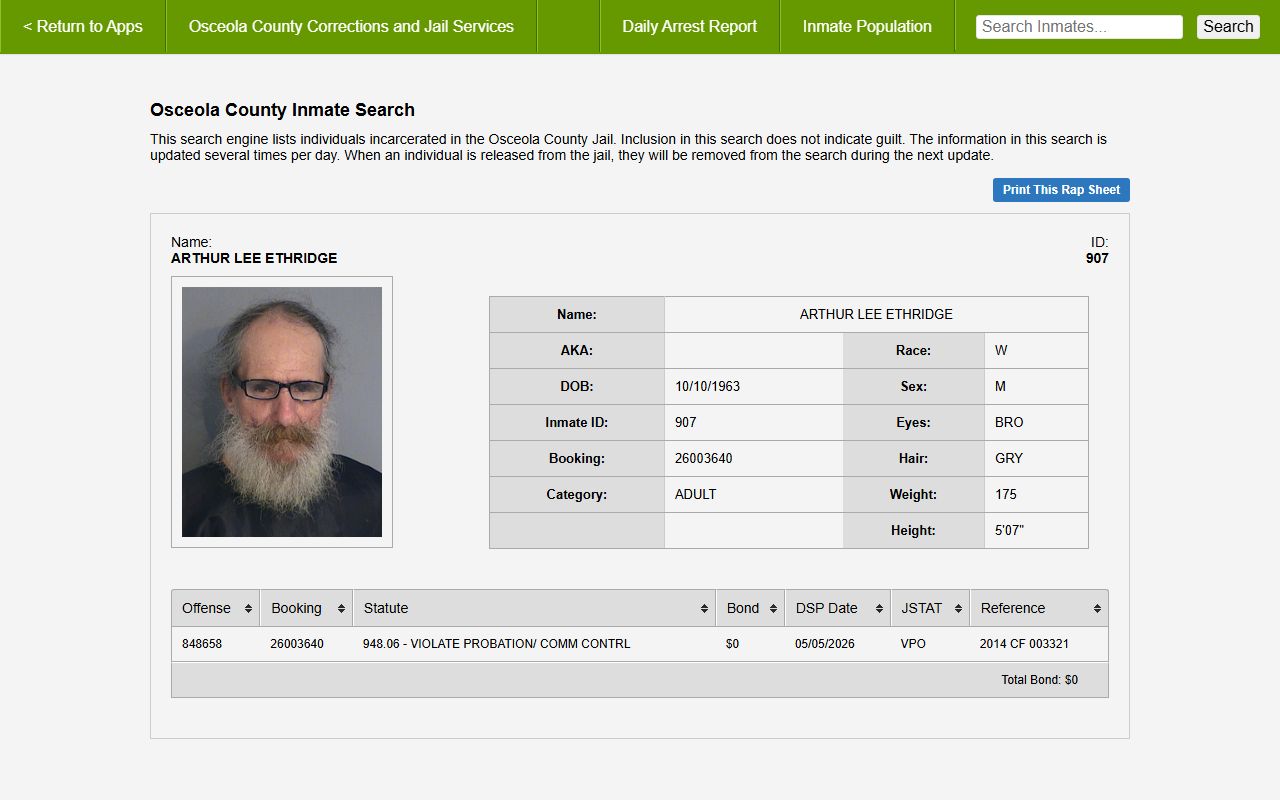
The inmate detail page is reached by clicking a result row. Use it to print a rap sheet or confirm a charge.
The Osceola County Daily Arrest Report
The county also posts a daily arrest report. It lists recent bookings by date. This helps when someone was just arrested and may not show clearly in a name search yet. The report has a date selector for recent dates. You can view a printable version or download an Excel file. The report for Monday, May 18, 2026 listed 44 arrests that led to incarceration.
The report shows more than names. Each entry can carry a mugshot, an arrest or inmate number, a birthdate, and a booking number. It also lists the statute and a short charge description. Use it to check a single day fast.
- Pick a date from the Choose New Date dropdown. The list runs back about a month.
- Open the Printable Version for a clean page.
- Use Download Excel to pull the data. The link follows a date pattern.
You can reach the report at apps.osceola.org. The arrest report and the current roster work together. One shows recent intake. The other shows who is still held.
Osceola County Jail Facilities and Custody
The Osceola County Corrections Department runs jail operations for the county. The current inmate count is a custody count, not a single building tally. The page note is clear on this point. The 882 figure seen in May 2026 covers all people in Corrections Department custody. That includes those held in the Osceola County Jail and some held elsewhere under county custody.
This matters when you read the roster. A person can be in custody but housed in another spot. The public count still includes them. For more detail on how the population is tracked, see the jail population page. To reach the office directly, use the contact card below.
Osceola County Corrections Department
Corrections and Jail Services
See official page for address and phone
The Corrections and Jail Services hub links the inmate search, the daily arrest report, and the population statistics. It is the best single starting point for jail questions. Use it to confirm current office details, since those can change.
Osceola County Jail Visitation
Visitation at the Osceola County Jail follows the rules set by the Corrections Department. Exact days, times, and provider names change, so the official page is the only safe source for the current schedule. The grid below organizes the main visit and contact topics. Each cell points you to the official page for the live schedule rather than a fixed clock time.
| Topic | Schedule / Rules | Where to Confirm |
|---|---|---|
| In-Person Visits | By approved list and set windows | See official page for current schedule |
| Video Visits | On-site or remote through a provider | See official page for current schedule |
| Address format and banned items apply | See official page for current rules | |
| Phone | Account setup through a phone provider | See official page for current rules |
| Money / Commissary | Deposits by kiosk, online, or phone | See official page for current options |
Plan ahead. A visit may need a prior approval and a valid ID. Dress codes and visit length can apply. Attorney and professional visits follow a separate process. Always check the official page before you travel.
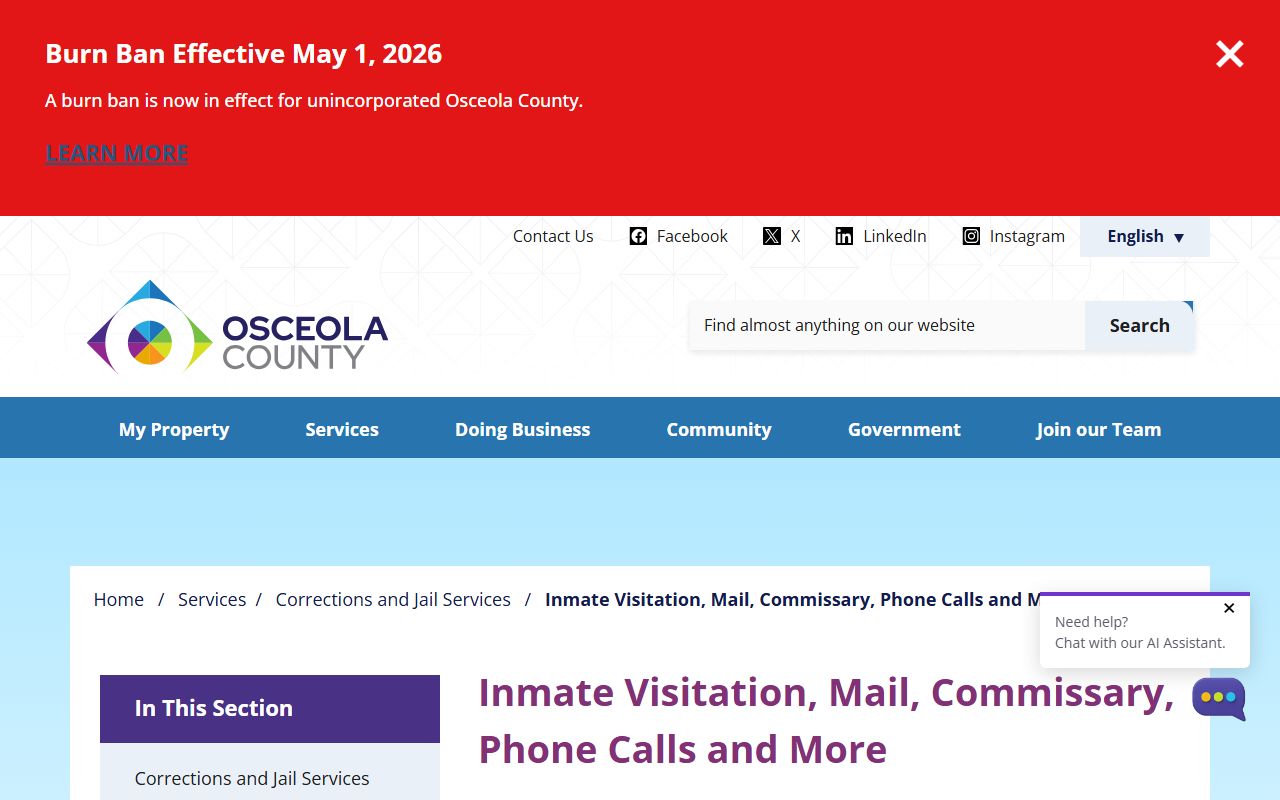
The official visitation, mail, and commissary page is the authority for all schedules and provider details.
Osceola County Jail Mail, Phone, and Commissary
Sending mail or money to someone in the Osceola County Jail follows set rules. Mail must use the right address format and the inmate name and ID. Some items are banned. Some jails scan mail and deliver a copy. Phone service runs through a provider, and a paid account is often needed. Commissary lets a person buy items, and money can be added through a kiosk, online, or by phone.
Vendors and prices shift over time. For that reason this page does not list a price or a phone rate. Confirm every detail on the official page before you send mail or fund an account. The notice below sets the right expectation.
Note: Jail phone, video, and commissary vendors change. Do not rely on old rates. Check the county visitation and commissary page for the current provider and the current cost.
Money deposits and mail rejection rules vary by facility policy. If a deposit fails or mail comes back, the official page and the jail information line can explain why. Keep the inmate ID handy for any deposit or call.
State Prison and Federal Inmates
The county roster covers local jail custody. It does not cover state prison or federal custody. A person sentenced to state time moves into the Florida Department of Corrections. Use the FDC offender search for those records. The FDC site has separate tools for current population, release info, escapes, and supervised people.
FDC update timing is worth noting. Population data is fully refreshed weekly, while release dates and location changes update nightly. The screenshot below shows the FDC search menu.
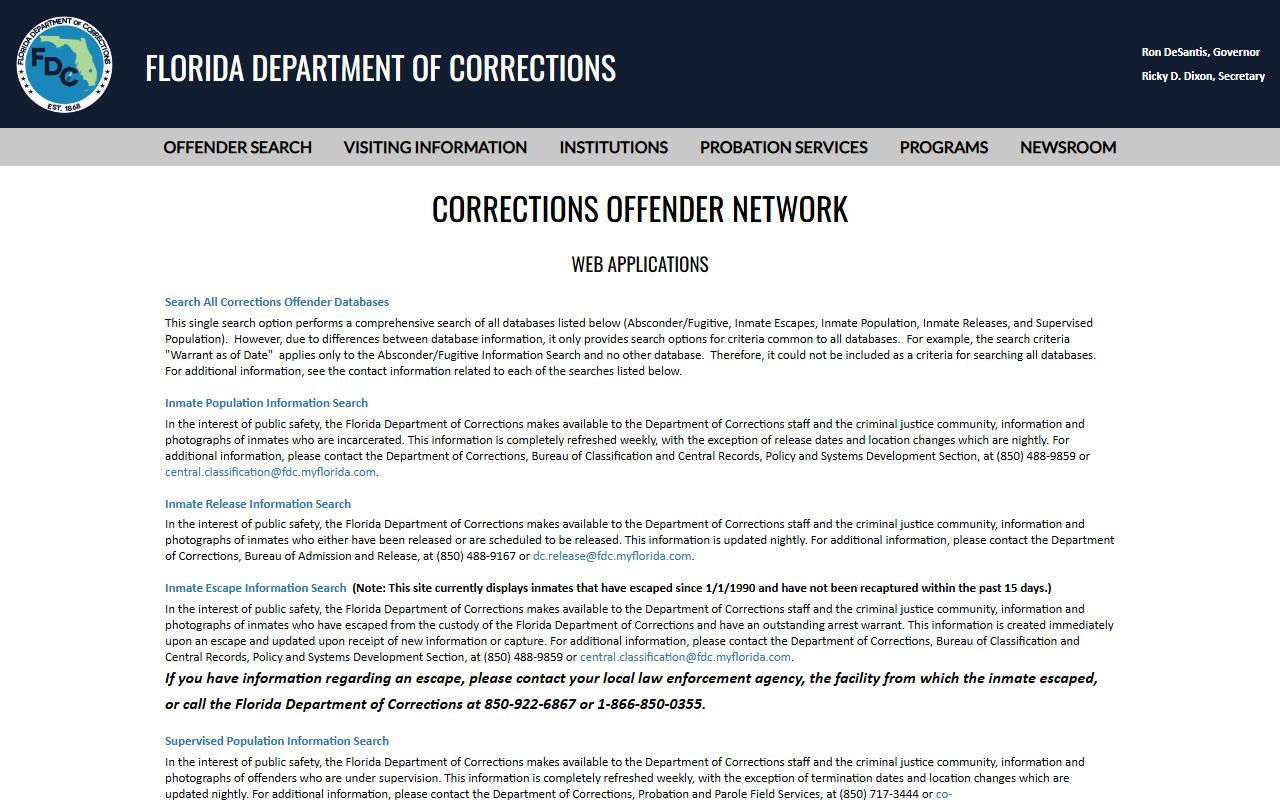
The FDC offender search menu lists each database. For federal custody, use the Bureau of Prisons locator instead. You can search BOP by number or by name.
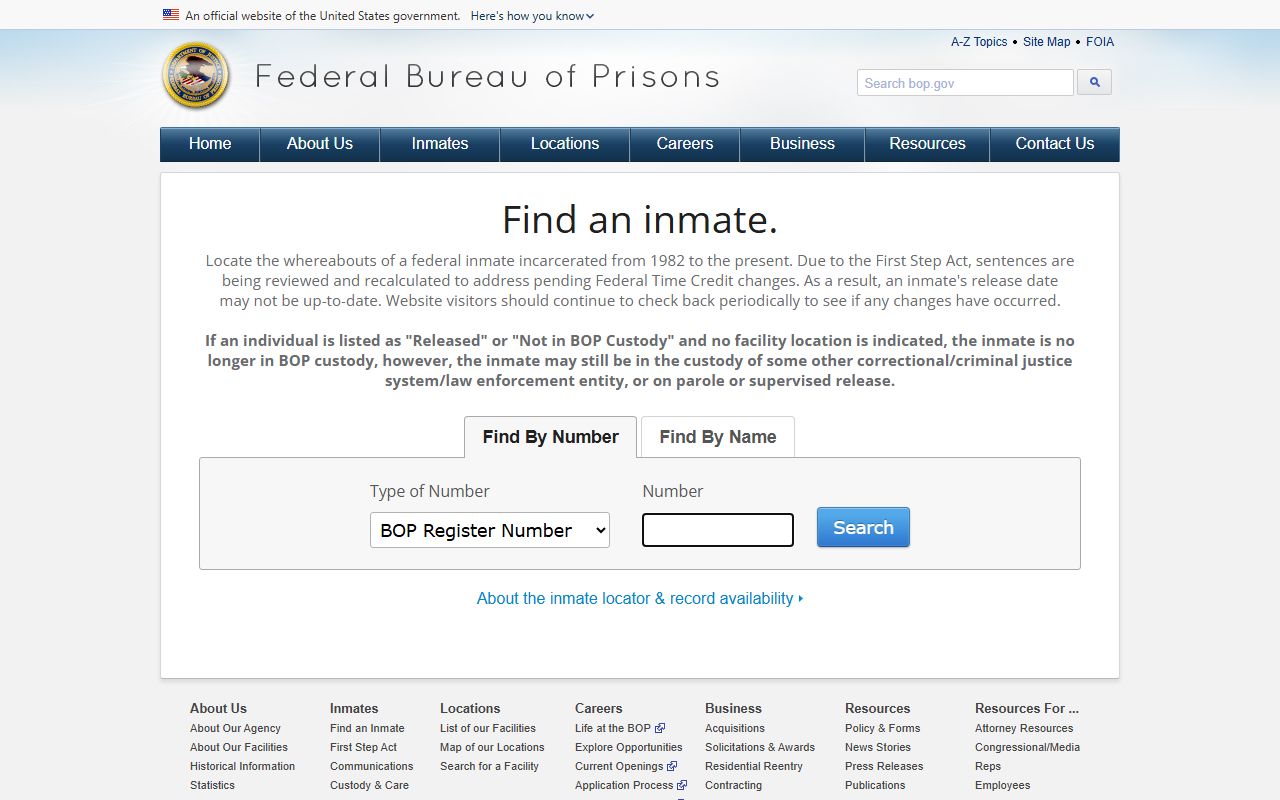
The BOP inmate locator covers people in federal prison. It takes a register number or a name with race, age, and sex.
Release Notifications and VINELink
The Osceola roster drops a person at the next update once they are released. So the live roster will not show a release history. If you need to know when someone leaves custody, sign up for alerts. Florida uses the VINE system for this. You can search by person and register for notifications where the service supports it.
VINELink works for victims and for anyone who wants a release alert. It is the official notification tool, not a third-party site. To track release status over time, see the released inmates page, which explains the workflow in more detail.
You can search Florida at VINELink. Pair it with a current roster check for the most complete picture. One tool gives a point in time. The other gives a forward alert.
Booking and Bond Basics
A booking starts the jail record. Staff take a photo, record ID details, and log the charges. The detail page then shows a bond for each charge and a total bond. Bond is the amount set for release before a case ends. A $0 bond can mean a hold, such as a probation violation, where no bond is allowed yet.
Bond and charges link back to the courts. The reference field on a profile can point to a court case number. From there you can follow the case through the Clerk. For the court side, see criminal records. For open warrants, which can lead to a booking, see warrant search.
Remember the limits of a roster. It shows custody and charges. It does not show how a case will end. A charge is not a conviction. Always confirm a case outcome through the court record, not the jail list.